Lighting
Dual Tone Lighting Screen
Dual-tone light screen with two-color glow for creative video fills and ambience. Adjust tones live and go fullscreen in one click.
Try tool →Warm-to-cool wash lights for video calls, macro shots, and product photography—your monitor as a controllable fill source.
Open any tool below for a full-screen browser experience with responsive controls.
Dual-tone light screen with two-color glow for creative video fills and ambience. Adjust tones live and go fullscreen in one click.
Try tool →Dynamic mood light screen with shifting glow for video calls and ambience. Smooth color motion in fullscreen, no extra gear.
Try tool →Aurora light screen with northern-lights style motion for calm ambience and creative fills. Fullscreen browser lighting, no install.
Try tool →Ocean blue light screen with a calm glow for focus, video fills, and soft desk ambience. Fullscreen in your browser.
Try tool →Beat-pulse light screen with rhythmic glow for streams and desk ambience. Fullscreen pulse effects right in your browser.
Try tool →Use these lighting screens as soft fill for video calls, product shots, or desk ambience. Adjust atmosphere and intensity in the browser without buying extra lamps—ideal when you need controllable color temperature on demand.
Lighting screens turn your monitor into a controllable light source. Dual Tone splits the display into two colors for side lighting on video calls, Dynamic Mood and Aurora shift slowly between hues for room ambience, Ocean Blue gives a cool steady wash, and Beat Pulse brightens and fades in rhythm for streams and parties.
To light your face, place the screen in front of you slightly above eye level, raise the brightness and choose a warm or neutral tone; for background color, put the screen behind you and keep it dimmer than your main light. Check the result in your camera preview, because webcams react strongly to saturated colors. A larger, brighter monitor gives softer and more even light than a phone or small laptop screen.
To use your screen as a light, set the display to maximum brightness, choose a color that suits the moment, and place the device slightly above eye level facing you. Warm tones are kinder for evening calls, while cooler whites look crisp on camera. Every lighting tool runs in the browser, so a spare phone, tablet, or monitor can become an instant fill light.
A short list of standout tools from this collection to try first.
Dual-tone light screen with two-color glow for creative video fills and ambience. Adjust tones live and go fullscreen in one click.
Try tool →Dynamic mood light screen with shifting glow for video calls and ambience. Smooth color motion in fullscreen, no extra gear.
Try tool →Aurora light screen with northern-lights style motion for calm ambience and creative fills. Fullscreen browser lighting, no install.
Try tool →Ocean blue light screen with a calm glow for focus, video fills, and soft desk ambience. Fullscreen in your browser.
Try tool →Explore standout tools from other collections—curated picks that complement what you are viewing now.
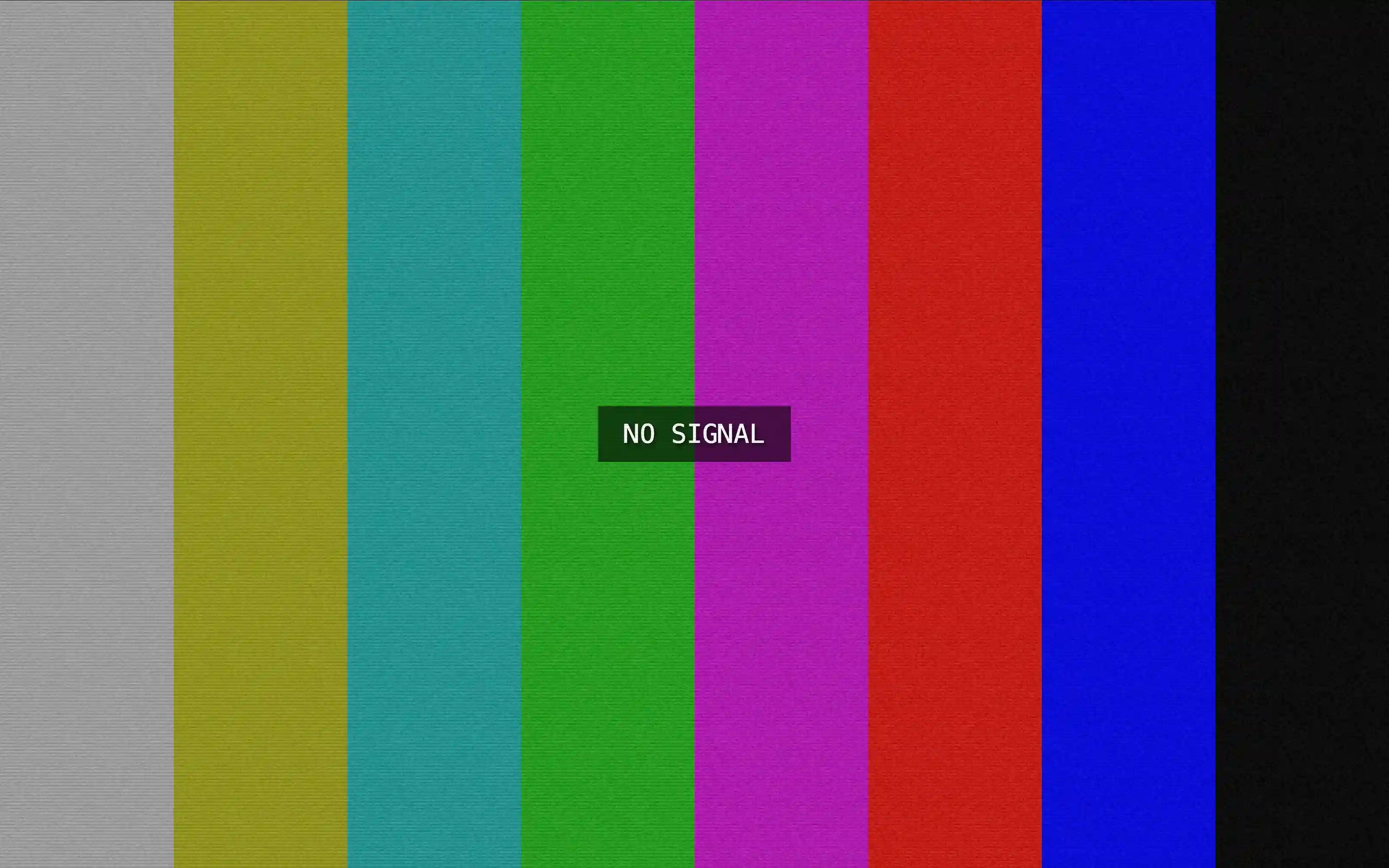
Realistic No Signal TV screen with color bars and loss of signal effect. Ideal for displays, pranks and fullscreen visual testing.
Try tool →Soft, smoothly transitioning color gradients for ambient desktop and signage backgrounds.
Try tool →Relaxing fullscreen rain with smooth falling visuals and calming rain sounds. Perfect for focus, sleep ambience, and relaxation.
Try tool →Jump straight into our most visited tool collections—pranks, screensavers, fake updates, lighting, and utilities.
More tools from this same collection—four picks that stay in the category you’re browsing.