Screensavers
DVD Screensaver
The iconic bouncing DVD Video logo — classic corner-to-corner motion for nostalgia clips and idle monitors.
Try tool →Browser-based screensaver experiences with ambient motion, soft gradients, and idle-friendly visuals for lobby displays, desk monitors, and downtime.
Open any tool below for a full-screen browser experience with responsive controls.
The iconic bouncing DVD Video logo — classic corner-to-corner motion for nostalgia clips and idle monitors.
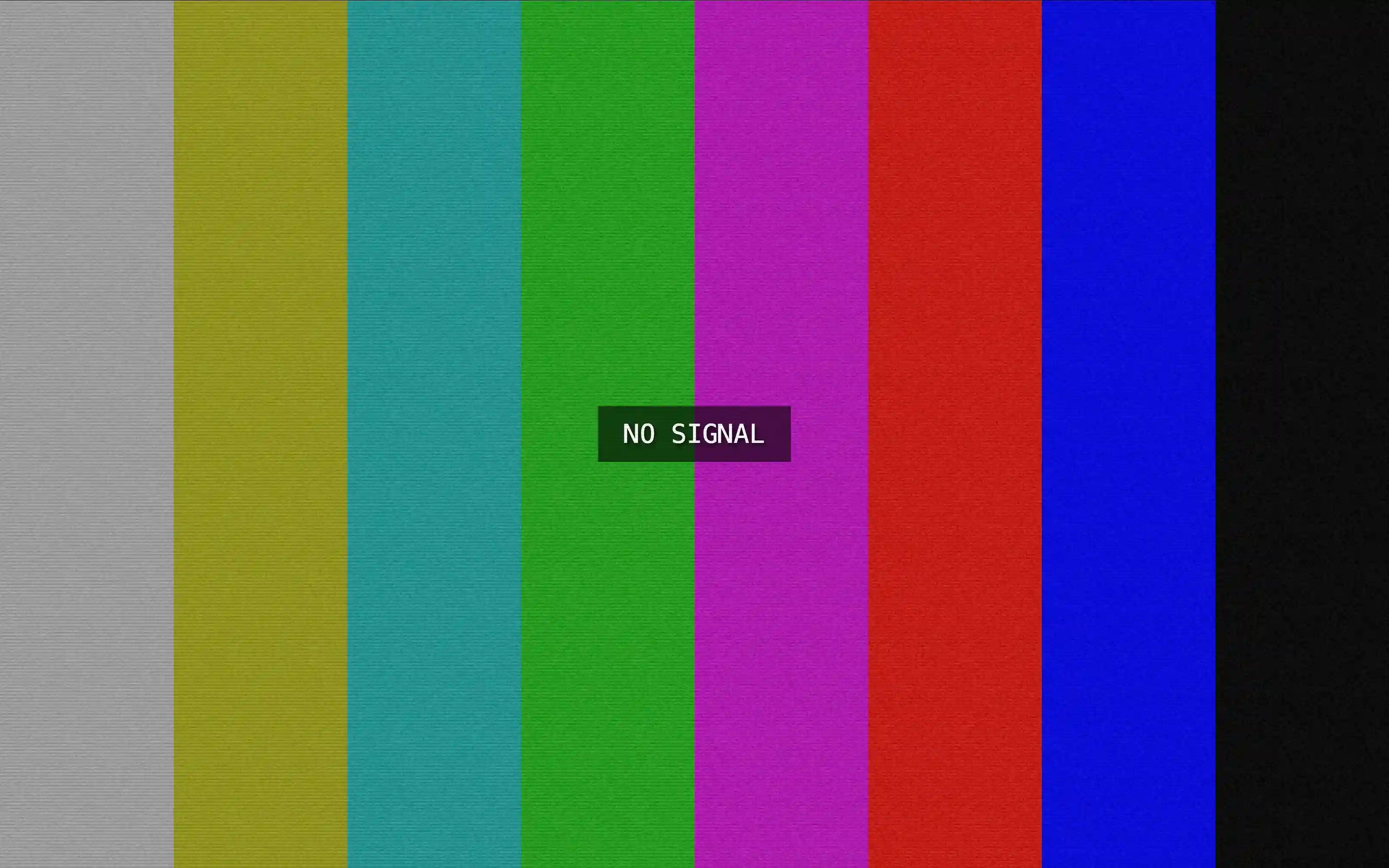
Try tool →Realistic No Signal TV screen with color bars and loss of signal effect. Ideal for displays, pranks and fullscreen visual testing.
Try tool →Relax with motivational quote screensaver and daily inspiring thoughts. Great for focus, relax and productivity ambiances.
Try tool →Minimal Flip Clock screensaver, with smooth digital animation. Excellent for concentration, study sessions, and a pristine fullscreen timer experience.
Try tool →Green digital falling effects matrix code rain screensaver. A cinematic full screen experience based on the classic Matrix visual style.
Try tool →Soft, smoothly transitioning color gradients for ambient desktop and signage backgrounds.
Try tool →Looping ember and flame-inspired animation for warm ambient visual backgrounds.
Try tool →High-performance animated starfield effect ideal for idle monitors and deep-focus rooms.
Try tool →Run DVD-style bounce, fire glow, starfields, and other idle visuals directly in the browser. They are great for secondary monitors, waiting rooms, or leaving a display on without a harsh static desktop.
Browser screensavers give an idle monitor something calm or nostalgic to show. The bouncing DVD logo and Matrix code rain bring retro character, the fire and starfield scenes add slow ambient motion, the flip clock and quote screens show useful information from across a room, and the No Signal pattern recreates a classic TV test card.
Open any screensaver, adjust speed, colors or text in the controls, then go fullscreen on a second monitor, a lobby display or a TV connected to a laptop. Because the image keeps moving, it is gentler on OLED panels than leaving a static desktop on screen. For long sessions, lower the brightness and let your operating system's own sleep timer turn the display off when nobody is around.
These screensavers are designed to look good on any display, from a laptop to a large TV connected over HDMI. Choose a style, adjust speed or colors where available, and leave it running in fullscreen while you take a break or host a stream. Because they are lightweight animations, they use little power and close instantly with a key press.
A short list of standout tools from this collection to try first.
The iconic bouncing DVD Video logo — classic corner-to-corner motion for nostalgia clips and idle monitors.
Try tool →Realistic No Signal TV screen with color bars and loss of signal effect. Ideal for displays, pranks and fullscreen visual testing.
Try tool →Relax with motivational quote screensaver and daily inspiring thoughts. Great for focus, relax and productivity ambiances.
Try tool →Minimal Flip Clock screensaver, with smooth digital animation. Excellent for concentration, study sessions, and a pristine fullscreen timer experience.
Try tool →Explore standout tools from other collections—curated picks that complement what you are viewing now.
Google Chrome–style browser update screen with colored accent bar and perpetual download phase for mockups.
Try tool →Visual keyboard tester with live key highlighting and tested-key tracking. Supports desktop, laptop, and Mac layouts.
Try tool →Relaxing fullscreen rain with smooth falling visuals and calming rain sounds. Perfect for focus, sleep ambience, and relaxation.
Try tool →Jump straight into our most visited tool collections—pranks, screensavers, fake updates, lighting, and utilities.
More tools from this same collection—four picks that stay in the category you’re browsing.